Your ads are getting clicks. The dashboard shows visitors arriving every day. But the bookings aren't following. It's tempting to blame the ads, change the audience or raise the budget. Usually, though, the ad has done its job. The bookings are leaking somewhere after the click.
Here are the six most common leaks, and how to fix each one.
First, know what "normal" looks like
Not every click should become a booking. Some people are just comparing. So what's a healthy rate?
- Unbounce's analysis of more than 41,000 landing pages found a median conversion rate of 6.6% across all industries, and 4.8% for travel and hospitality.12
- LocaliQ's 2026 search advertising benchmarks put the average conversion rate for Google and Microsoft search ads at 8.18% overall, 5.83% for travel and 10.35% for beauty and personal care.3
These are industry averages from marketing platforms, so use them as a rough guide, not a target. But if only 1 in 200 visitors is booking, something after the click is almost certainly broken.
Leak 1: The ad sends people to the wrong page
Someone clicks an ad for a "weekend spa package" and lands on your homepage. Now they have to find the package themselves. Many won't bother.
Fix: Send every ad to a page that matches it exactly, with the same offer, the same words and the same image. If the ad is about a package, the page should be about that package, with a clear way to book it.
Leak 2: The page is slow on a phone
Most ad clicks happen on a phone. Unbounce found mobile sends nearly four times as much traffic to travel and hospitality pages as desktop.2 And on mobile, every second counts.
In a study commissioned by Google, Deloitte found that improving mobile site speed by just a tenth of a second led to a 10% improvement in booking rates on travel sites.4 Google's own earlier research found that the chance of a visitor leaving rises by 113% as a page's load time goes from one second to seven.5 Those studies are a few years old, but the principle hasn't changed: slow pages lose people.
Fix: Test your page on a real phone using mobile data, not office Wi-Fi. Compress large images, remove unnecessary plugins and pop-ups, and aim for the page to be usable within about two seconds.
Leak 3: Booking takes too many steps
Every extra field, page or decision is another chance for someone to give up. The Baymard Institute, which studies online checkouts, found that 18% of shoppers abandon because the site wants them to create an account, and 17% because the process is too long or complicated. It found an ideal checkout can be as short as 7–8 form fields.6 Their research is on online shopping, but booking flows suffer from the same problem.
Fix: Ask only for what you need to confirm the booking. Never force people to create an account. Show prices, fees and what's included before the final step. Hidden costs are the biggest reason people abandon: Baymard found 40% leave because extra costs were too high.6
Leak 4: The page doesn't answer the real questions
People don't book until their questions are answered: price, availability, location, what's included, cancellation rules. If they have to hunt for these, or leave to ask, many won't come back.
Unbounce found that simple, plain writing converts much better. Travel and hospitality pages written at a 5th to 7th grade reading level converted more than twice as well as more complex pages, and the best-performing pages were typically 200–750 words.2
Fix: Put the key facts near the top, add a short FAQ, show real reviews and photos, and use short sentences. Add a WhatsApp button for anyone who still has a question, and make sure someone, or something, replies quickly.
Leak 5: Enquiries come in, but nobody follows up fast
Some visitors don't book online but do send a message. If the reply comes hours later, many have already booked elsewhere. This is one of the most expensive leaks, because you've already paid for the click and the person was interested.
Fix: Reply to every enquiry within minutes, including evenings and weekends. A WhatsApp booking assistant can answer common questions instantly and pass serious enquiries to your team.
Leak 6: Your tracking can't see the bookings
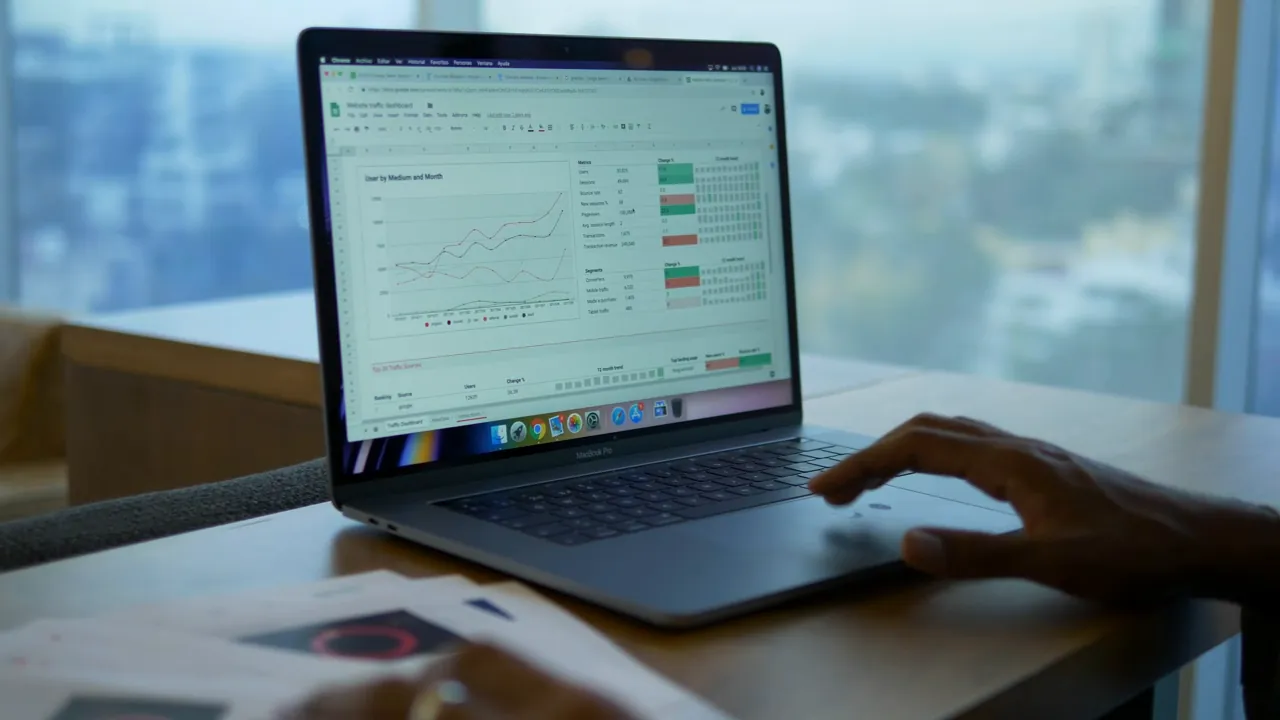
Sometimes bookings are happening, but your ad platform can't see them. Browser and privacy restrictions now block a lot of the tracking that ad platforms rely on. If Meta or Google can't see which clicks become bookings, they can't learn who your best customers are, and your ads get steadily worse.
Meta recommends sending booking events through both its Pixel and its Conversions API, which sends data from your server. Meta notes that "the server can capture events that may not be tracked by the browser," and says the combined setup gives performance "comparable to or better than" using the Pixel alone.7
Fix: Set up conversion tracking properly on both Meta and Google, including the Conversions API, and check that a test booking actually shows up in your ad dashboards.
A quick self-check
Open one of your own ads on your phone and go through the journey as a customer would:
- Does the page match the ad you clicked?
- Did it load in about two seconds on mobile data?
- Can you see the price, availability and what's included without scrolling far?
- Can you book or enquire in under a minute?
- If you send a WhatsApp message, how long does the reply take?
- Does your test booking appear in Meta and Google Ads?
Each "no" is a leak. Fix the leaks first, and the same ad budget will bring in more bookings.
Sources
- Unbounce, Conversion Benchmark Report, 2024.
- Unbounce, Travel and hospitality conversion rate benchmarks, 2024 data.
- LocaliQ, 2026 Search Advertising Benchmarks, May 2026.
- Deloitte and Google, Milliseconds Make Millions, 2020.
- Google/SOASTA research, 2017, via Think with Google.
- Baymard Institute, Cart abandonment rate statistics, September 2025.
- Meta for Developers, Conversions API: end-to-end implementation.