- Most Booking.com scams start by tricking hotel staff into installing password-stealing malware, often with fake guest complaints and the ClickFix trick.
- Criminals then use stolen extranet access to message guests with real booking details and fake payment links.
- Booking.com says it never asks for card details by WhatsApp, text, email or phone, or for payments outside the booking's payment policy.
- Two-factor login, a separate admin device, quick staff training and a warning line in confirmation messages greatly reduce the damage.
The Booking.com scam targeting hotels usually starts with your staff, not your guests. Criminals trick someone at reception into opening a fake guest complaint, steal the login for your Booking.com account, then message your guests with their real reservation details and a fake payment link. You can't stop every attempt, but two-step login, a few staff habits and one clear line in your guest messages greatly reduce the damage.
Our overview of scams hitting small businesses covers this briefly. This guide goes deeper: how the scam works step by step, what's been reported in 2025 and 2026, and what hotels, villas and guests can do about it.
How the Booking.com scam works
Step 1: a fake message to your staff
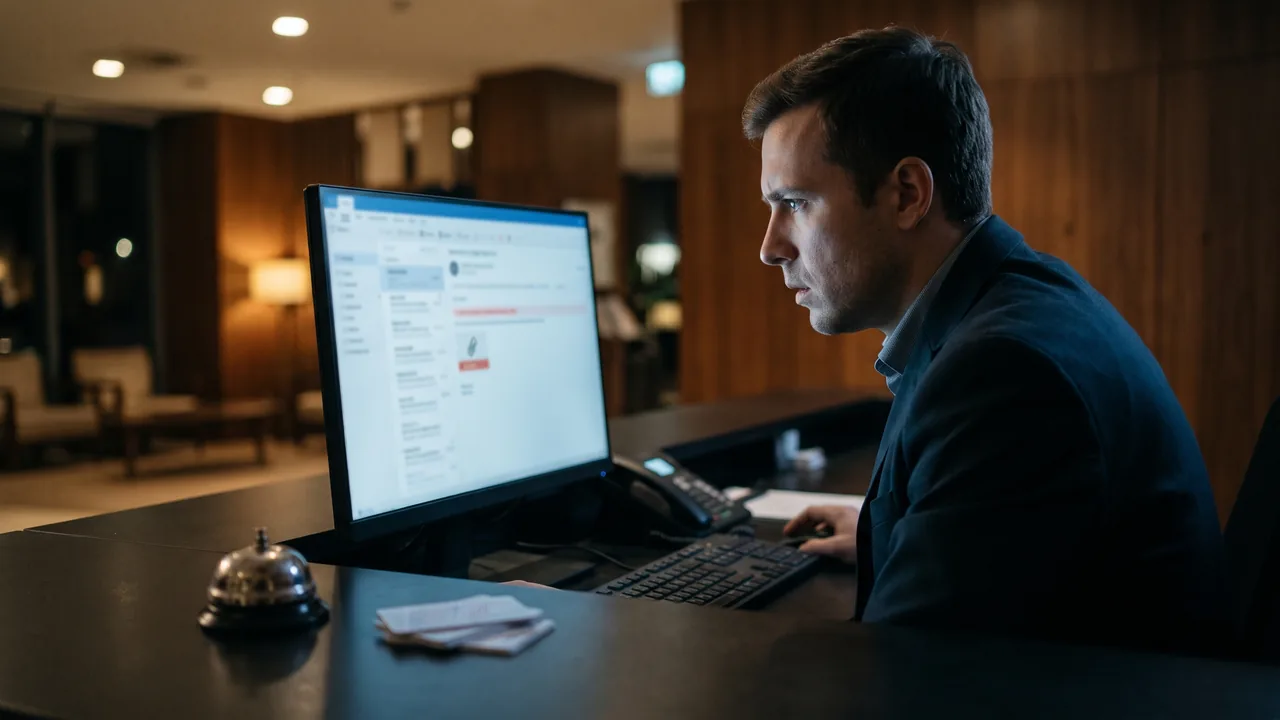
It begins with an email that looks like it's from Booking.com or a guest. Microsoft found lures about negative guest reviews, requests from prospective guests, promotion offers and account verification, aimed at hotel staff across Europe, North America, Oceania and South and Southeast Asia.1 Sekoia saw subject lines such as "New guest message linked to your listing", often sent from real hotel email accounts that had already been hacked.2
Step 2: the "ClickFix" trick
The link opens a page that looks like Booking.com with a CAPTCHA, the "I'm not a robot" check. It then asks the person to press a keyboard shortcut and paste a command. That command, which the page has quietly copied, installs malware.1 This is called ClickFix. It works because it feels like solving a small technical problem, and because the victim runs the code themselves, it can slip past security tools.1
The tricks keep changing. In June 2026, Microsoft described a campaign against hotel front-desk and reservations staff in Europe and Asia, using complaint, bedbug and room-enquiry emails with a "photo" zip file that hid malware.3
Step 3: logins stolen and sold
The malware steals saved passwords, including the login for the Booking.com extranet, where hotels manage reservations. Sekoia found stolen Booking.com logins advertised for between $30 and $5,000, with access to multi-hotel accounts in wealthy countries fetching several thousand dollars.2
Step 4: messages to your guests
With access to your account, the criminals can see real bookings. They contact guests by WhatsApp or email, quoting the name, dates and hotel, and claim there's a problem verifying their bank details. The link leads to a fake page that takes those details.2 Hijacked hotel accounts have also been used to send scam messages through Booking.com's own messaging system.4 Sekoia named its report "I paid twice", after a guest who paid both the hotel and the criminal.2
What's been reported recently
- March 2025. Microsoft reported a campaign by a group it calls Storm-1865, impersonating Booking.com to infect hotel staff with password-stealing malware.1
- November 2025. Sekoia published its "I paid twice" research on hotel accounts used to defraud guests.2
- April 2026. Booking.com emailed customers about "suspicious activity" affecting reservations. It said names, contact details, dates and messages with hotels may have been accessed, but not financial data, and it reset booking PINs.4 Booking.com hasn't said how the data was reached or how many people were affected.4
- June 2026. Switzerland's National Cyber Security Centre warned of WhatsApp messages quoting real bookings, including fake refund offers and fake card-verification requests.6
- August 2026. The Dutch Fraud Helpdesk received 957 phishing reports involving Booking.com in the first half of 2026, up from 162 in the second half of 2025.7
- September 2026. Booking.com stopped sending guest phone numbers to channel managers and property management systems, citing a rise in fraudulent WhatsApp and SMS messages. Hosts can still see numbers in the extranet and the Pulse app.8
Warning signs for your staff
- Urgent guest complaints with a link or attachment, especially threats of a bad review, or "photos" in a zip file.
- Any page that asks you to press keys and paste something. No genuine website needs this to prove you're human.
- Emails asking you to sign in. Booking.com tells partners to be wary of emails, texts or WhatsApp messages with links that ask them to log in.9
- Calls asking for passwords. Booking.com says its partner staff will only ever ask for your property ID, never your password or card details.9
- Guests asking about a payment you didn't request. That's often the first sign your account has been used.
Warning signs for guests
- A payment request that isn't in the booking confirmation. Booking.com says it will never ask for a bank transfer that differs from the payment policy in your confirmation.11
- Card details asked for by message. Booking.com says it never asks for card details by email, phone, text or WhatsApp.11
- Pressure. "Your booking will be cancelled in 24 hours." Swiss authorities note that scammers deliberately create a sense of urgency.6
- A refund you didn't ask for, or a QR code to scan to get one.6
The hard part is that the message may contain every correct detail, and may even arrive inside the Booking.com app. Real details don't prove the message is real.
What hotels and villas should do
- Turn on two-factor authentication. Booking.com's extranet login sends a PIN to an authorised device, either a working phone number or a verification code in the Pulse app.10 Use a number that reaches a real person on your team directly, not a switchboard.10 Turn on 2FA for the email account linked to your extranet, too.
- Keep one clean device for admin. Log in to the extranet, your booking engine and your bank from a computer or phone that isn't used to open guest emails. Microsoft found one recent campaign focused on reception and reservations computers.3
- Train the team in ten minutes. Show them the ClickFix trick and the "angry guest" email. The rule: never paste a command a website asks for, and never open zip files from strangers.
- Check who has access. Remove logins for staff who have left, and don't share one password between several people.
- Never take payment through a link in a chat. Take payment only as your booking policy says, so guests have one clear rule to check against. If you use a WhatsApp assistant, the same applies. Our guide to WhatsApp chatbots covers why a bot should never ask for card details.
- Report anything suspicious fast. Booking.com asks partners to report suspicious activity immediately through the security issue page in Partner Help.9
If you think your account has been compromised
- Report it to Booking.com straight away through Partner Help's security issue page.9
- Take the suspect computer offline and get it checked before anyone uses it to log in again.
- Change passwords from a clean device: the extranet, the linked email account and any other passwords saved in that computer's browser.
- Warn guests with upcoming stays. Tell them, using the contact details you hold, that you won't ask for payment by message, and to ignore any request they've had.
- Keep a record. Screenshots of fake messages and the dates they arrived help Booking.com and any guest disputing a card payment.
What guests should do
- Don't click links in payment messages. Check your booking by opening the Booking.com app or website yourself, or call the property on a number you looked up.6
- Pay only what the confirmation says. Booking.com advises not sending any payment that isn't in the policy.11
- Report it. Use the "Report to Booking.com" option, and contact Customer Service if you clicked or shared anything.11
- If you entered card details, call your bank now to block the card. If you lost money, report it to the police.6 Keep an eye on statements, as criminals sometimes wait before using details.5
Guests who've been scammed often blame the hotel in reviews. A clear warning before arrival protects your guests and your reputation, which also matters for the rest of your hotel marketing.
Frequently asked questions
Can a Booking.com scam message come through the real Booking.com app?
Yes. If criminals have stolen a hotel's extranet login, they can message guests through Booking.com's own chat, using real names, dates and reservation details. That's why a message looking genuine proves nothing. Check any payment request against the policy in your booking confirmation, and contact the property on a number you found yourself before paying anything.
Will Booking.com ever ask me to confirm my card details by WhatsApp?
No. Booking.com says it never asks for card details by email, phone, text or WhatsApp, and never asks for a bank transfer that differs from the payment policy in your booking confirmation. Any message like this should be treated as a scam, even if it includes your real booking details. Report it to Booking.com and don't click the link.
How do criminals get into a hotel's Booking.com account?
Usually by tricking staff. A fake guest complaint or Booking.com email leads to a page that asks the person to paste a command, a trick called ClickFix, which installs password-stealing malware. The stolen extranet login is then used or sold. Two-factor authentication, a separate admin device and staff training make this much harder to pull off.
What should a hotel do first if guests report fake payment messages?
Report it to Booking.com immediately through the security issue page in Partner Help. Then take any suspect computer offline, change the extranet and email passwords from a clean device, and warn guests with upcoming stays that you will never ask for payment by message. Keep screenshots and dates of every fake message you hear about.
Sources
- Microsoft Threat Intelligence, Phishing campaign impersonates Booking.com, delivers a suite of credential-stealing malware, March 2025.
- Sekoia, Phishing campaigns "I paid twice" targeting Booking.com hotels and customers, November 2025.
- Microsoft Threat Intelligence, Photo zip campaign targeting hospitality industry delivers Node.js implant, June 2026.
- The Register, Booking.com warns of possible reservation data exposure, April 2026.
- Malwarebytes, Booking.com breach gives scammers what they need to target guests, April 2026.
- Swiss National Cyber Security Centre, Week 22 review, June 2026.
- IamExpat, Booking.com scams surge in 2026, Dutch Fraud Helpdesk warns, August 2026.
- Smoobu, Booking.com guest phone numbers: what changes for hosts from 28 September 2026, September 2026.
- Booking.com, Trust and safety: tips to ensure you and your property are protected, November 2026.
- Booking.com Partner Help, Securing your account, November 2026.
- Booking.com, Trust and safety for travellers, November 2026.