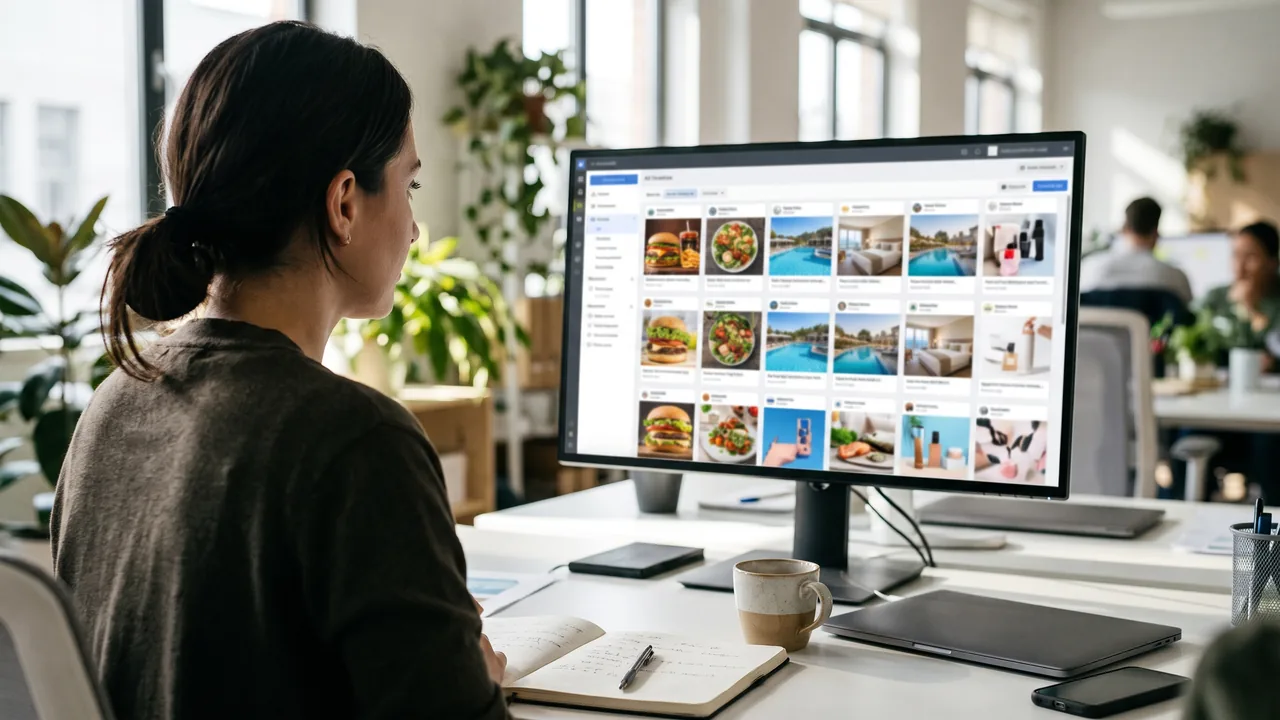
- The Meta Ads Library is a free public tool showing active ads across Facebook, Instagram and Meta's other platforms.
- Spend is only shown for social issue, election and political ads, while EU-delivered ads add reach and targeting details.
- Note each competitor ad's format, hook, offer, call to action, landing page and start date in a simple spreadsheet.
- Use what you find to spot gaps and write test ideas, rather than copying competitors' ads.
The Meta Ads Library is a free, public search tool that shows the ads currently running on Facebook, Instagram and Meta's other apps. You can use it to see exactly what competing hotels, villas and clinics are advertising, which formats and offers they use, and roughly how long each ad has been live. It won't tell you their budget or results, so treat it as a source of ideas to test, not answers.
What the Meta Ads Library is
Meta first built the library for election transparency. In 2019 it expanded it to include all active ads that any Page is running, and added search by Page as well as by keyword.1 It's public and free, and you don't need an ad account to search it.
For business owners, that makes it the easiest way to answer a simple question: what are my competitors saying to customers right now?
Where to find it
Go to facebook.com/ads/library in any browser, on a computer or phone. A laptop is easier, because you'll want to open several ads side by side and click through to landing pages.
How to search, step by step
- Choose a country. This filters to ads shown in that country. Pick where your customers are, not where the competitor is. A Galle villa marketing to British travellers should search the United Kingdom.
- Choose an ad category. Select "All ads" for normal commercial research. The other category covers ads about social issues, elections or politics.
- Search by keyword or advertiser. Type a brand name to see suggested Pages, or a keyword to search ad text. Buffer notes that quotation marks search for an exact phrase.2 Try phrases your customers would see: "Galle villa", "Ayurveda retreat", "dental implants Colombo".
- Filter the results. You can filter by language, advertiser, platform (Facebook, Instagram, Audience Network, Messenger), media type (images, videos and so on), active status and date range.3 A WhatsApp platform filter was added in December 2025, according to PPC Land.5
- Open the ad details. Each ad shows its Library ID, whether it is active, the date it started running and the platforms it runs on. Some ads note that there are multiple versions.23
What you can and can't see
This is where many people expect too much. What you see depends on the type of ad and where it ran.
Normal commercial ads
For most ads you see the creative, the text, the call-to-action button, the landing page link, the start date and the platforms.2 You don't see spend, reach, targeting or results. PPC Land puts it bluntly: outside the EU and political ads, "there is no spend or reach data at all".4 These ads also stay in the library only while they are running.4
PPC Land also reports that since December 2025, ads with fewer than 100 impressions carry a "Low impression count" label.5 That helps you tell a brand-new or tiny test apart from an ad with real delivery.
Ads shown in the European Union
Under EU rules, ads delivered in the EU show more. The library adds the advertiser's chosen targeting (location, age and gender), the total reach with a breakdown, and who paid for the ad and who benefits from it.2 PPC Land says Meta extended the library to all EU-targeted ads in August 2023, and that these ads stay visible for a year.4
This is genuinely useful if you sell to Europeans. If a rival villa targets Germany, set the country to Germany and you may see roughly how many people its ads reached and which age groups it chose.
Ads about social issues, elections or politics
These ads show the most: spend and impressions in ranges, who paid, and the age, gender and region of the people reached. They are kept for seven years.34 Meta stopped allowing these ads in the EU from 6 October 2025.6 Most hotels and clinics will never need this category.
How to research hotels and clinics in your area
Set aside an hour, open a spreadsheet and work through a short list.
- List five to ten competitors. Include direct rivals and the businesses you'd like to be compared with. A Colombo city hotel might pick other city hotels running staycation packages. A skin clinic in Kandy might include Colombo clinics that advertise nationally.
- Search each one by name in the country where your customers live.
- Then search by keyword. Keywords catch advertisers you didn't know about, including booking sites, tour operators and new openings.
- Check a European market too, if you sell abroad, to get the extra EU data.
- Repeat monthly. Because commercial ads disappear when they stop, a regular check shows you what changes through the season.
What to note for each ad
Make a column for each of these:
- Format. Reel or vertical video, carousel, single image or catalog ad? How long are the videos?
- The hook. What happens in the first second or the first line? A view, a price, a question, a person talking?
- The offer. Discount, free night, package, free consultation, or no offer at all?
- Call to action. "Book now", "Send message", "Learn more"? A WhatsApp button tells you they sell through conversations.
- Landing page. Click through. Does it go to a booking engine, a package page, a form or the homepage? Is it quick on a phone?
- Start date. How long has the ad been live?
- Number of versions. Lots of variations of one idea suggest they are actively testing it.
Turn research into your own tests (without copying)
Copying a competitor's ad is a bad idea. It can breach their copyright, it confuses customers, and it makes you look like everyone else. Use what you find to choose what to test instead.
- Spot the gaps. If every Galle villa shows the pool, you could show the morning walk to the beach, or the chef cooking a Sri Lankan breakfast.
- Borrow the structure, not the content. If room walk-through Reels keep appearing, film your own walk-through with your own story.
- Test offers you can actually support. If rivals lead with "third night free", decide whether you'd rather compete on value-adds, such as airport transfers, than on price.
- Write test ideas as hypotheses. For example: "Guest-video Reels will bring cheaper WhatsApp enquiries than our photo ads." Then run it.
For how to set up and judge those tests, see our playbook for Facebook ads for hotels. And remember that a better ad only helps if the page after the click works. Our guide on why ads get clicks but no bookings covers that part.
The Ad Library API
Developers can also query the library through the Ad Library API. Meta's documentation says it searches ad text, images, audio from video and the call-to-action button, and requires you to choose the countries reached.7 But ads that didn't reach the EU are only returned if they are about social issues, elections or politics.7 For researching Sri Lankan competitors who only advertise locally, the normal website is more useful.
Limitations to keep in mind
- No results data. You can't see clicks, bookings or cost. A beautiful ad may be losing money.
- Mostly a snapshot. Outside the EU, stopped ads vanish, so you can't look back at last season.
- Start date isn't run time. An ad may have been paused and restarted, or run on a tiny budget.
- Search is literal. Meta's API notes say keyword searches aren't translated,7 so search in Sinhala, English and your guests' languages where relevant.
- Only Meta. It doesn't show Google, TikTok or booking-site advertising.
Used regularly, though, it's the cheapest market research you'll get. If you'd like more ideas for the creative side, our guide to social media content may help.
Frequently asked questions
Is the Meta Ads Library free to use?
Yes. The Meta Ads Library is free and public at facebook.com/ads/library. You don't need an ad account or a business Page to search it. You can look up any advertiser by name or search ad text by keyword. It covers ads running across Facebook, Instagram and Meta's other platforms, filtered by the country you choose.
Can I see how much a competitor spends on Meta ads?
Usually not. Spend ranges are only shown for ads about social issues, elections or politics. Ads delivered in the European Union show reach and targeting details, but not spend. For normal commercial ads elsewhere, including most ads shown only in Sri Lanka, you see the creative, start date and platforms, but no budget or results.
Does a long-running ad mean it's working?
Often, but not always. Most businesses stop paying for ads that don't bring results, so an ad running for months is a reasonable sign it performs well enough. But ads can be forgotten, paused and restarted, or run on tiny budgets. Look for patterns across several long-running ads before drawing conclusions.
Can I copy ads I find in the Ad Library?
No, and you shouldn't want to. Competitors' images, videos and text are their own work, and copying can break copyright and confuse customers. Use the library to spot formats, hooks and offers that seem to work, then create your own versions with your own photos, story and offer, and test them.
Sources
- Meta Newsroom, A better way to learn about ads on Facebook, March 2019.
- Buffer, Meta Ad Library 101: 7 ways to use the Facebook Ad Library, October 2024.
- Jon Loomer Digital, Meta Ad Library, 2024.
- PPC Land, Ads Library, 2026.
- PPC Land, Meta Ads Library adds WhatsApp filter and low impression labels, December 2025.
- Meta Newsroom, Ending political, electoral and social issue advertising in the EU, July 2025, updated October 2025.
- Meta for Developers, Ads Archive (Ad Library API) reference, accessed November 2026.